
Maxima Plugins: Premium WooCommerce Plugins Built for Modern Stores
Most WooCommerce stores collect plugins one problem at a time. Shipping gets complicated, so you add a shipping plugin. Customers start asking for invoices, so you add an invoice plugin. A year later you're running twelve extensions from nine different developers, and every WooCommerce update feels like a small gamble.
Maxima Plugins comes at this from the other side. It's one catalog of premium WooCommerce extensions, covering shipping, product options, pre-orders, invoices and order management, all built by the same team to the same standard. The brand is new, but it's built by experienced WooCommerce developers, and you can tell from the details. We went through the catalog and picked six plugins that solve problems most growing stores run into sooner or later.
About Maxima Plugins
Maxima Plugins makes WooCommerce extensions and nothing else. There are 17 plugins in the catalog right now, split across eight categories:
- Shipping
- Products & Catalog
- Product Types & Options
- Pricing & Discounts
- B2B & Wholesale
- Coupons & Loyalty
- Orders & Invoices
- Tax & Localization
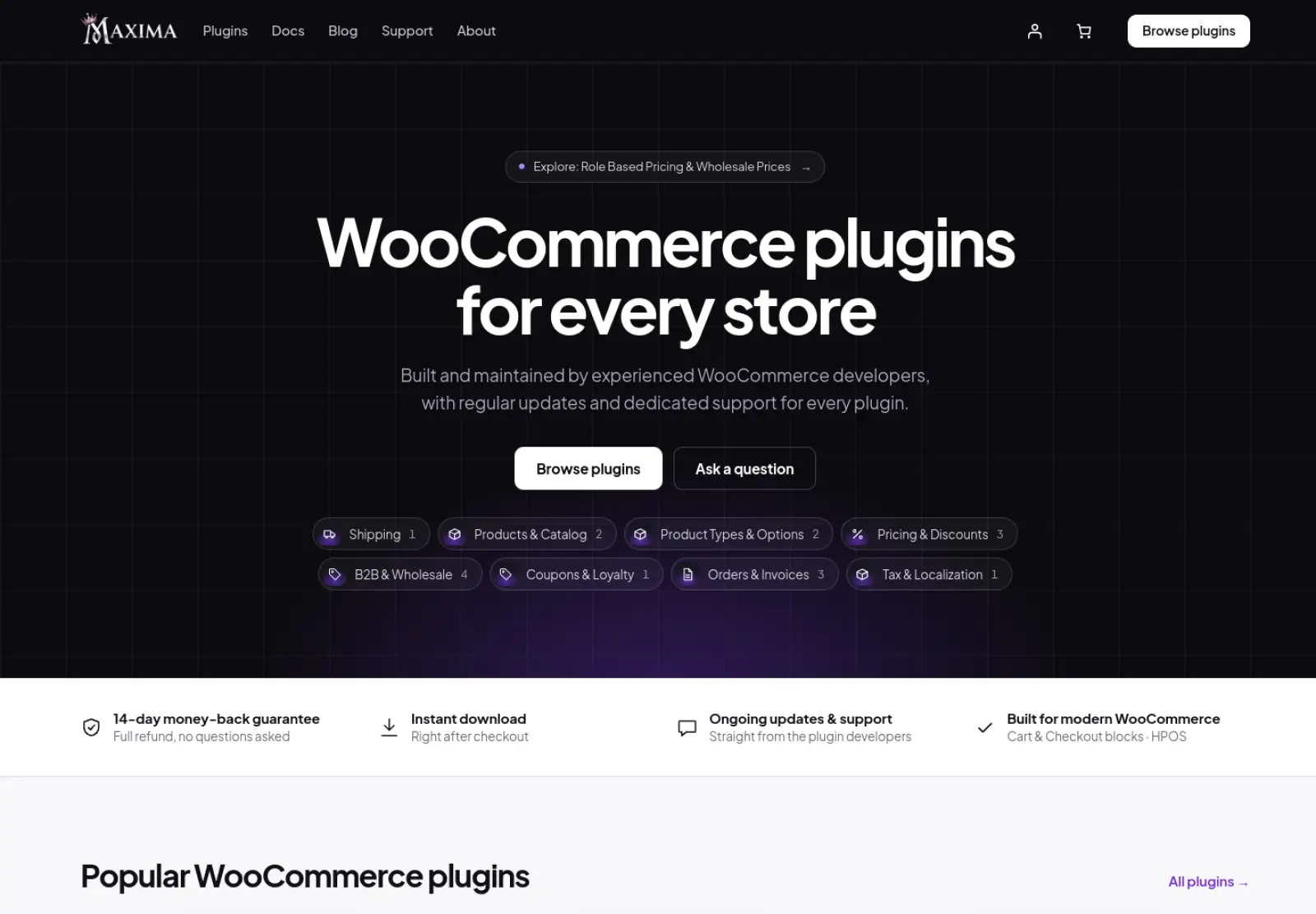
Each product page reads more like a setup guide than a sales page. You get the exact requirements, a link to the changelog, a live demo, and a "Common setups" section showing how a real store would configure the plugin. You can tell in a couple of minutes whether a plugin fits your store.
What you get with every plugin
They work with today's WooCommerce. If your store uses the Cart and Checkout blocks or High-Performance Order Storage (HPOS), you've probably met a plugin that didn't. Every Maxima plugin is built on WooCommerce's own APIs and supports both, along with the classic shortcode checkout and the mini-cart. Each release is tested against the latest WordPress and WooCommerce before it goes out.
They stay out of your way. Scripts and styles only load on the pages that use them, so your homepage isn't carrying code for a product options form it never shows. You won't find ads or "upgrade now" banners in the dashboard either.
Support comes from the people who wrote the code. Tickets go straight to the developers, so you aren't explaining your setup to someone who then has to pass it along. Setup help is included, not just bug fixes, and most tickets get an answer within a day.
Licensing is simple. You pay yearly, per plugin, for 1, 5 or 25 stores, and staging or local copies of your site don't use up a license. Payments go through Paddle, which takes cards, PayPal, Apple Pay and Google Pay, and you have 14 days to get a full refund if a plugin isn't right for you.
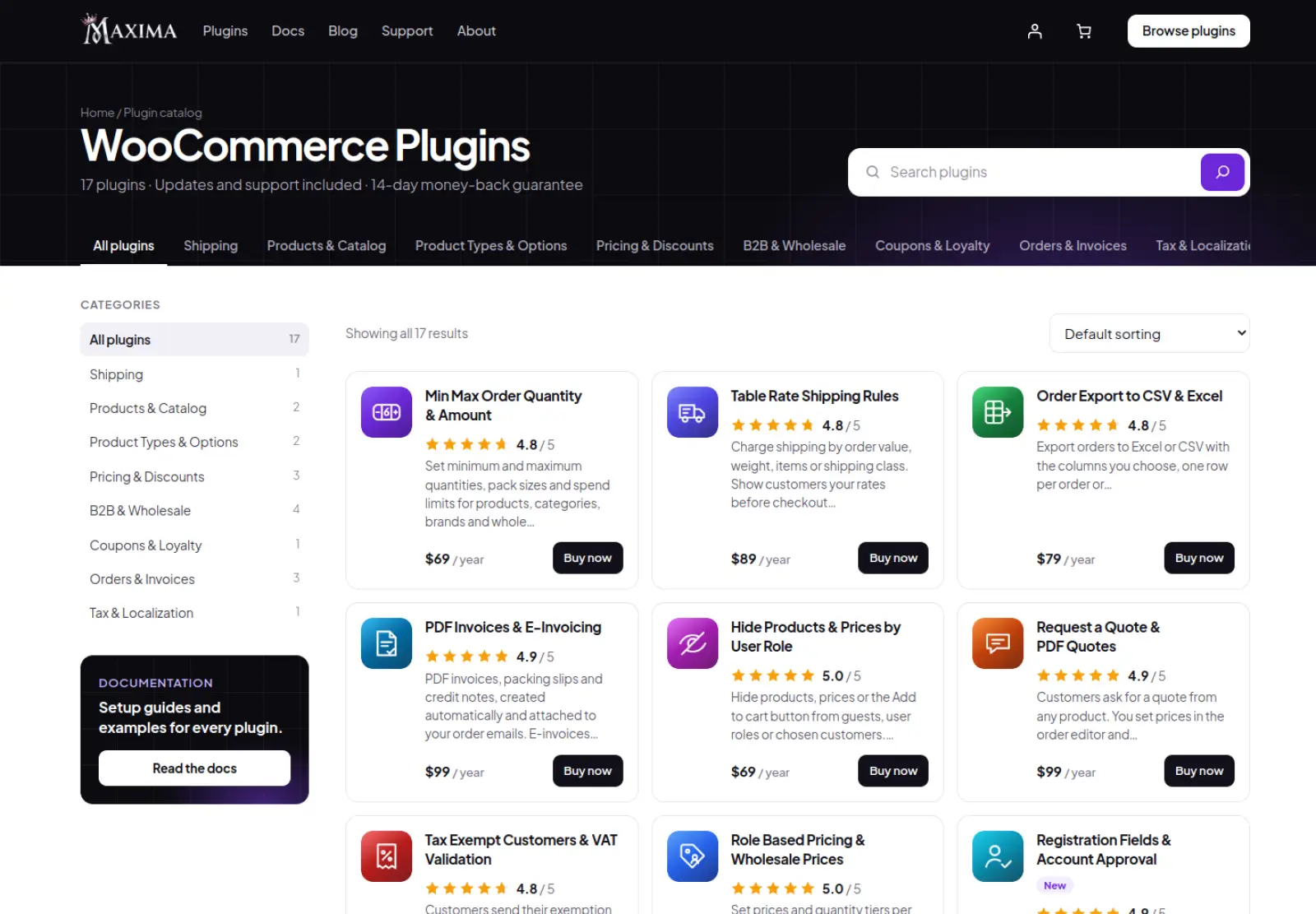
Six plugins from the catalog
1. PDF Invoices & E-Invoicing
Invoices are boring right up until your accountant finds a gap in the numbering. PDF Invoices & E-Invoicing creates an invoice for every order as soon as it's paid or completed, numbers it in sequence (INV-2026-0215, INV-2026-0216 and so on, with no gaps or duplicates) and attaches it to whichever WooCommerce emails you choose.
The PDFs use your logo, accent color and business details on A4 or US Letter, and customers can download them again from My Account instead of emailing you. You also get packing slips without prices (print a whole day's batch at once), numbered credit notes when you refund, and proforma invoices for customers who pay by bank transfer.
If you sell to businesses in Europe, this is where it gets interesting. More and more EU countries now require e-invoices, and the plugin produces Peppol BIS Billing 3.0, XRechnung 3.0, EN 16931 (CII) and Factur-X / ZUGFeRD files from the same order, without a separate service. It also adds a VAT number field at checkout. Don't sell to EU businesses? Ignore all of that. The PDF invoices work fine on their own.
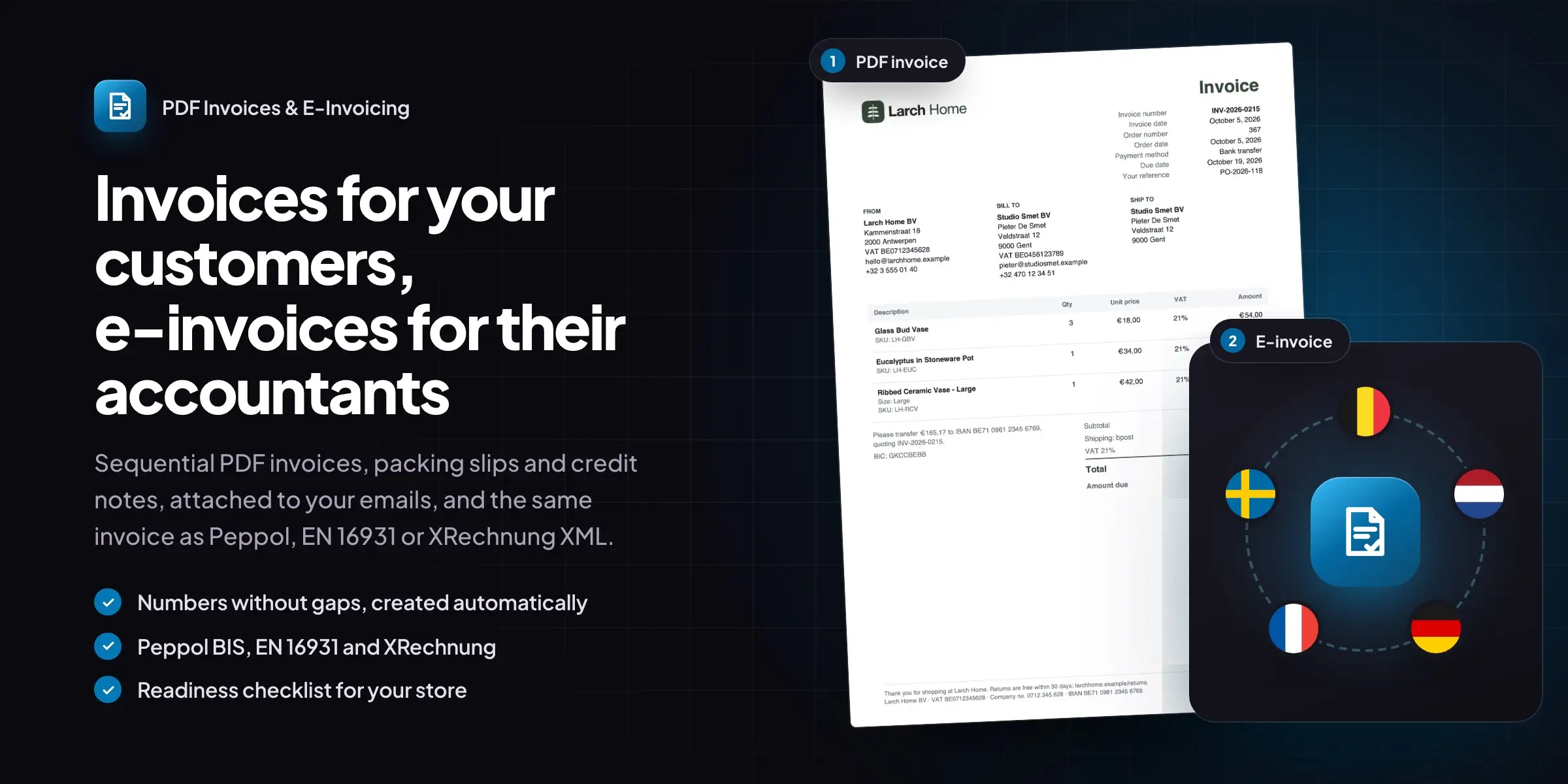
Best for: any store that sends invoices, especially one selling to EU businesses. $99 per year for one store.
2. Country and State Restrictions
Some products can't go everywhere. Live plants can't cross borders, a three-seater sofa costs more to ship abroad than it sells for, and some products aren't licensed in every state. WooCommerce only lets you choose where the whole store sells. Country and State Restrictions lets you decide per product, with "Sell only to" and "Never sell to" lists right in the product's Shipping tab, plus store-wide rules for categories, tags or chosen products. Variations can be limited further, so a large size can stay domestic while the small one ships anywhere.
Customers find out early instead of at checkout. Restricted products show your message in place of the add to cart button, or disappear from the shop, search and related products altogether, and variations that can't reach the customer are greyed out. The plugin works out the visitor's country from their IP address, using WooCommerce's MaxMind integration or Cloudflare with no outside lookups, until they enter an address. If something still ends up in the cart, checkout stops the order with a message naming the item, in both the classic checkout and the Checkout block.
It goes beyond products, too. You can offer cash on delivery only in the states you deliver to yourself, close pages or the whole site to certain countries, send Canadian visitors to your Canadian store, or show "Free shipping to the US and Canada" only to the people it applies to.
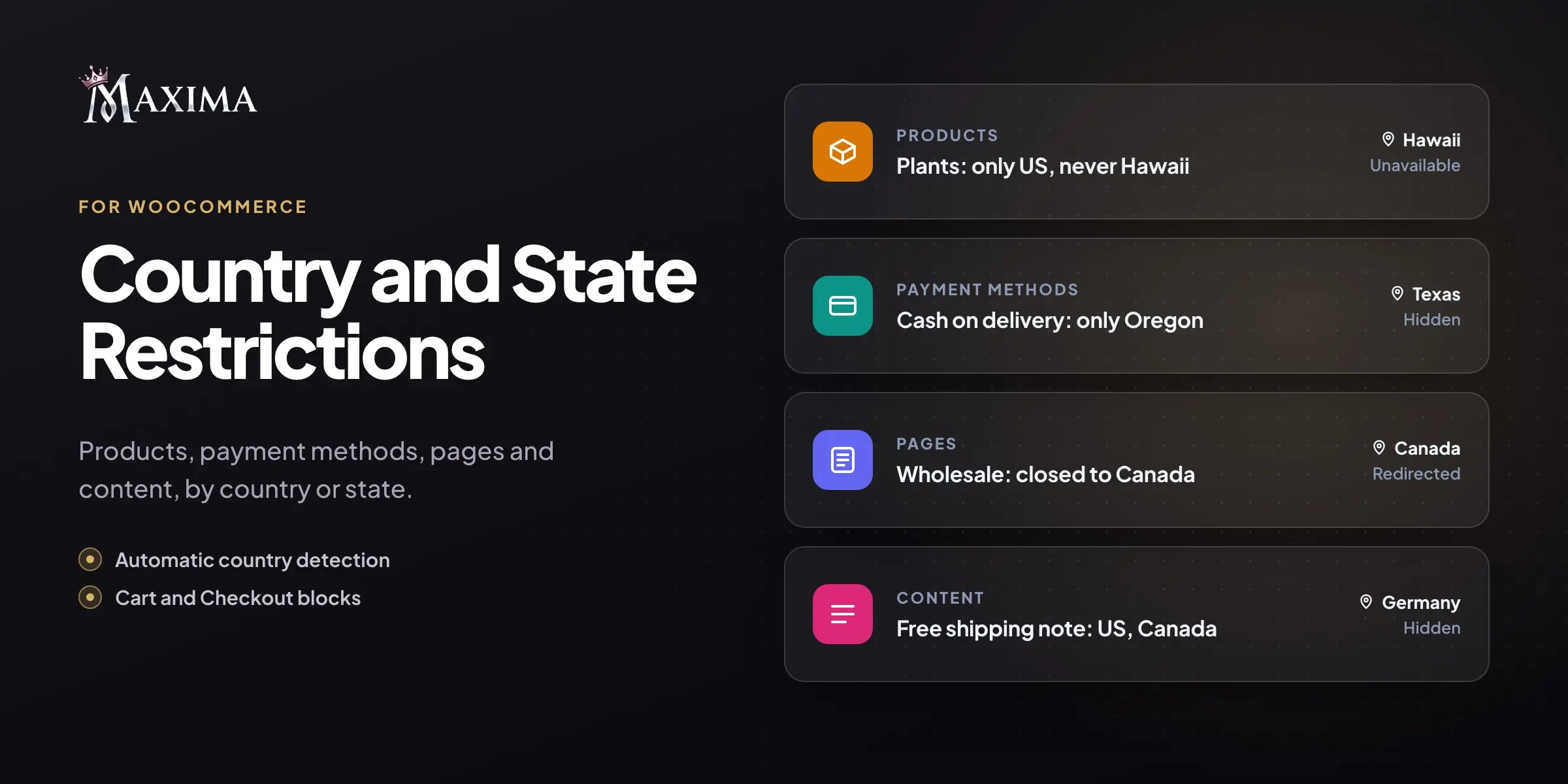
Best for: stores selling regulated, perishable or bulky products, and anyone running separate regional stores. $79 per year for one store.
3. Table Rate Shipping Rules
Flat rate shipping works fine until your catalog has a 200 g candle and a 14 kg planter in it. Charge enough to cover the planter and you scare off candle buyers. Charge for the candle and you lose money on every planter. Table Rate Shipping Rules solves this by working out shipping from rules you set: order value, weight, volume, number of items or shipping class, with a second condition when you need one.
A rate can be a fixed price, a price per item, a price per kilo (or per 0.5 kg step), or a percentage of the order. If two rules match, you can show both as separate options, such as Standard and Express, or let the plugin use the cheapest or the most expensive. Handling fees and minimum and maximum charges are built in.
The part customers notice is the cart. Instead of finding out what shipping costs on the last step, they see a message like "Add $16.00 more and shipping drops to $4.95," with a progress bar. On your side, every rule is summed up in one line ("Weight 0 – 5 kg → $4.95 + $1.00 per item"), which makes even a long rule table easy to read.
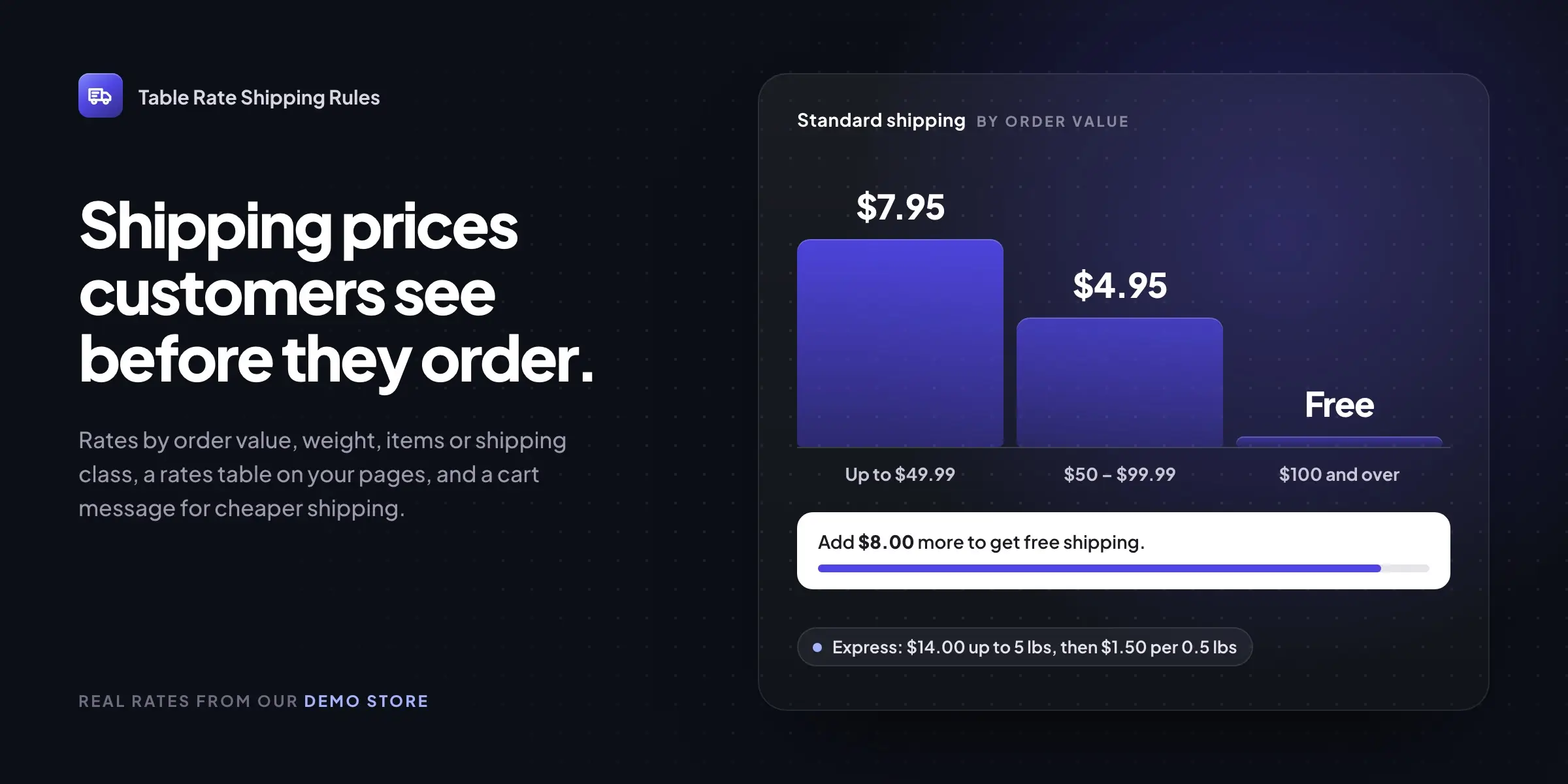
Best for: stores with very different product weights, bulky items or a free shipping threshold. $89 per year for one store.
4. Product Options & Add-ons
Some products can't be ordered as they are. A ring needs an engraving, a print needs a photo, a gift needs wrapping and a note. The Product Options & Add-ons plugin for WooCommerce puts those choices on the product page and updates the total on the add to cart button as the customer picks.
There are 11 field types, from buttons and dropdowns to text, date and file upload, and any field can be set to appear only when another one is chosen. Tick "Add engraving" and the text box shows up. Leave it unticked and the page stays clean. Prices can be per item, once per order line (for a setup fee), a percentage, or per character for engraving.
Fields are saved as option sets, which you assign to all products or to chosen categories, tags, brands or single products. The customer's choices then follow the order through the cart, checkout, order screen and emails, and uploaded files are kept in a private folder and linked on the order.
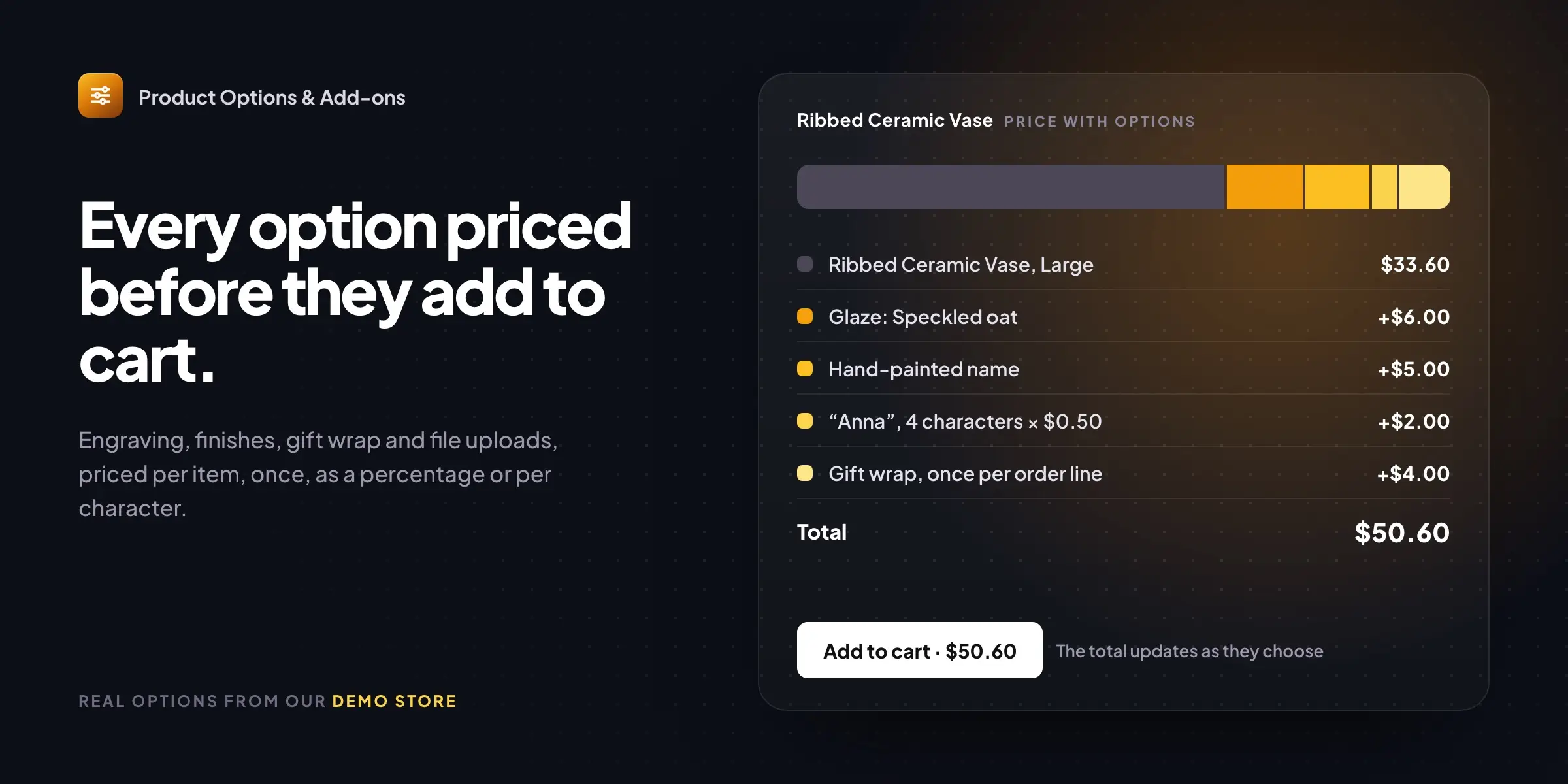
Best for: personalized products, gifts, print shops and anything sold with paid extras. $89 per year for one store.
5. Pre-Orders & Release Dates
A product launch is stressful enough without a spreadsheet of customers who emailed to reserve one. Pre-Orders & Release Dates lets people order a product before it's available. You give it a release date, the orders wait in their own Pre-ordered status, and on the day they move on by themselves. No date yet? Leave it blank and press Release now when the stock arrives.
Customers can pay upfront, or pay on release, in which case they get an email with a payment link when the product comes out. For limited runs, you can cap pre-orders at, say, 150 units and show how many are left right on the product page.
The awkward cases are handled too. An order with two different pre-order products waits until both are released, and customers get an email if you move a release date.
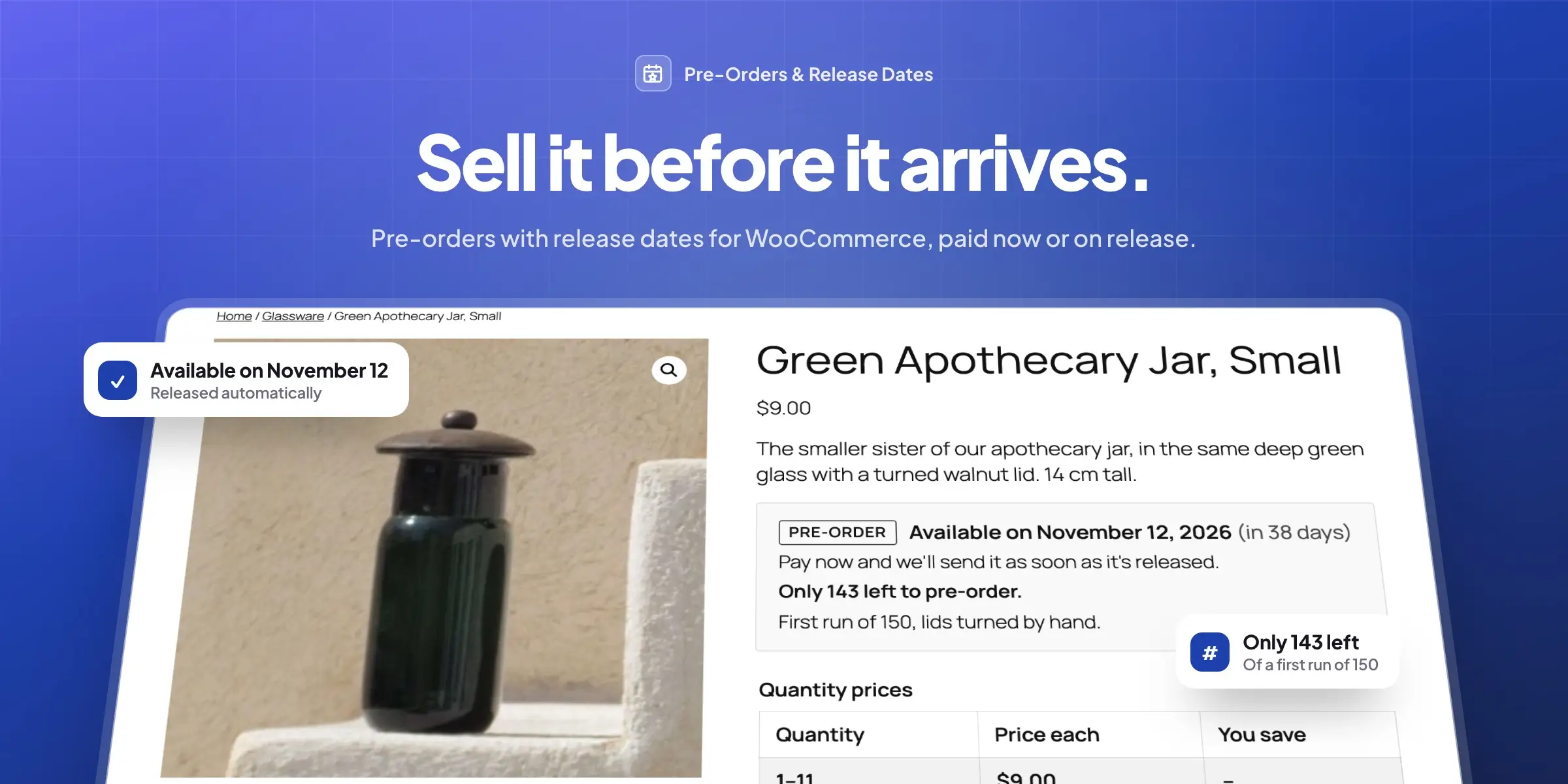
Best for: launches, limited editions and stores that regularly sell out. $89 per year for one store.
6. Custom Order Status & Workflows
WooCommerce gives you seven order statuses, so "Processing" ends up meaning everything from "just paid" to "on the van". Custom Order Status & Workflows lets you add the steps your store really has, such as Preparing, Shipped, Awaiting stock or Ready for pickup, each with its own color. For each one you decide whether the order counts as paid, allows downloads or can still be edited.
Every status can send its own email to the customer and to the store, using your normal WooCommerce email design. Next-step buttons on the orders list and on each order turn Processing → Preparing → Shipped into three clicks, and every status also works as a bulk action.
Automations handle the repetitive part. An order can move on the moment it reaches a status or after a wait, and you can limit a rule to certain payment methods, shipping methods, categories or order totals. A common one: cancel bank transfer orders that are still on hold after seven days.
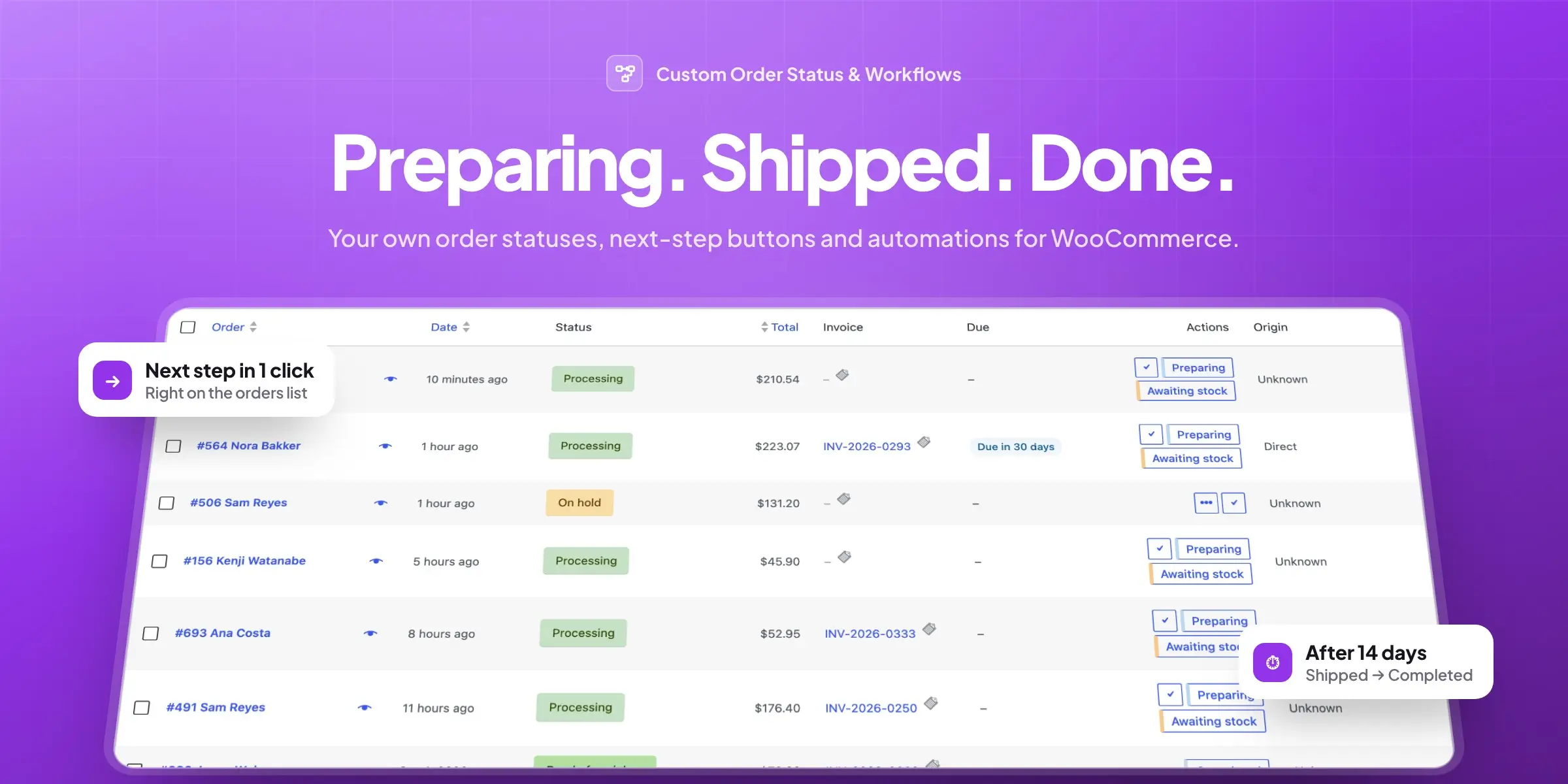
Best for: stores with several fulfillment steps, local pickup or manual payment methods. $69 per year for one store.
Also in the catalog
The other eleven plugins cover minimum and maximum order quantities, dynamic pricing and discount rules, order export to CSV and Excel, URL coupons, custom product tabs and FAQs, a quick order form with a variation grid, and a set of B2B and wholesale tools. Because one team builds them all, they look and behave alike in your admin.
Our take
If your store has outgrown WooCommerce's defaults for invoicing, country rules, shipping, product options, pre-orders or order handling, start with Maxima's version before you shop around. The plugins are modern, light and well documented, support comes straight from the developers, and the 14-day refund lets you try one on your real store without much risk.

